

Summari, Wordtune, Start.me, & More
High-performers operate in a strange paradox: they need more information, processed faster, yet they can't afford to sacrifice depth for speed. The browser has become the command center of modern work, but most treat it like a dumb terminal. That's a tactical error. The right Chrome extensions don't just save time — they restructure how you consume, process, and act on information.
Information Processing: Speed Without Sacrifice
Summari represents the first wave of practical AI for knowledge work. Point it at any article, newsletter, or research document, and it extracts the core insights in seconds. This isn't skimming — it's systematic compression. The tool handles news articles, technical documentation, even lengthy email threads. The killer feature: one-minute summaries you can share when forwarding material to your team. No more "TLDR attached" with three paragraphs of context.
Wordtune attacks the other side of the information equation: output quality. The AI understands what you're trying to communicate and suggests improvements in real-time. Not grammar corrections — strategic rewrites that make your point more clearly. It's particularly valuable for high-stakes communication where precision matters more than personality. Think investor updates, board presentations, critical client correspondence.
Dashboard Architecture: Controlling Your Default State
The New Tab page is your most-visited digital real estate, yet most people treat it like a vacant lot. Two extensions fight for this territory, each with different philosophies.
Start.me turns your new tab into a personalized dashboard with favorite links, imported bookmarks, and search functionality. It's utilitarian — a control panel approach to browser navigation. You save clicks and reduce the cognitive overhead of remembering URLs.
Momentum takes the opposite approach: inspiration-driven productivity. Beautiful scenery, motivational quotes, integrated to-do lists. It's designed to put you in the right headspace rather than just surface the right links. The psychology matters — starting each browsing session with intentionality rather than randomness.
Both work. The choice depends on whether you want your browser optimized for efficiency or mindset.
Focus Architecture: The Distraction Tax
Social media feeds represent a cognitive tax on every browser session. News Feed Eradicator doesn't block these sites entirely — it removes the infinite scroll mechanisms while preserving functionality. You can still post, message, and check notifications, but the dopamine trap disappears. Facebook becomes a communication tool rather than a time sink.
Forest gamifies focus using a clever mechanism: you plant virtual trees that grow during focused work sessions, and the company plants real trees when you hit milestones. The psychology is sound — immediate positive feedback for delayed gratification behavior. It's particularly effective for people who respond to environmental incentives.
Workflow Optimization: The Context Switch Problem
Checker Plus solves one of the most expensive productivity problems: email context switching. Instead of opening Gmail in a new tab, you can read, respond to, and manage multiple email accounts from any webpage. The time savings are obvious, but the cognitive benefits matter more. You maintain flow state in your primary task while still handling urgent communication.
Raindrop functions as an intelligent bookmark system with tagging, collections, and cross-device sync. The value proposition: you encounter useful information constantly, but most of it disappears into browser history purgatory. Raindrop lets you capture anything with contextual organization, turning serendipitous discoveries into searchable assets.
Content Creation: The Communication Multiplier
Screenity provides enterprise-level screen recording functionality for free. Unlimited recordings, on-screen annotation, click highlighting, export to any platform. This matters for teams distributed across time zones — asynchronous video communication often conveys more information than synchronous calls. A five-minute screencast can replace a 30-minute meeting.
Mote introduces voice notes to text-based workflows. Add audio comments to Google Docs, embed recordings in Notion, create voice memos for any website. The insight: speaking is faster than typing for complex ideas, and voice conveys nuance that text loses. It's particularly valuable for feedback, brainstorming, and quick explanations.
The Meta-Pattern
These tools share a common architecture: they intercept existing workflows and introduce intelligent friction or acceleration at precisely the right moments. Summari accelerates information consumption. Wordtune accelerates clear communication. News Feed Eradicator adds friction to distraction. Forest adds gamification to focus.
The compound effect matters more than any individual tool. Stack them correctly, and you're operating with fundamentally different information processing capabilities than your competition. That's the whole trick — not working harder, but restructuring the environment where you work.
The browser becomes less like a window and more like a workspace optimized for your specific cognitive patterns. Most people use technology passively. High-performers use it architecturally.
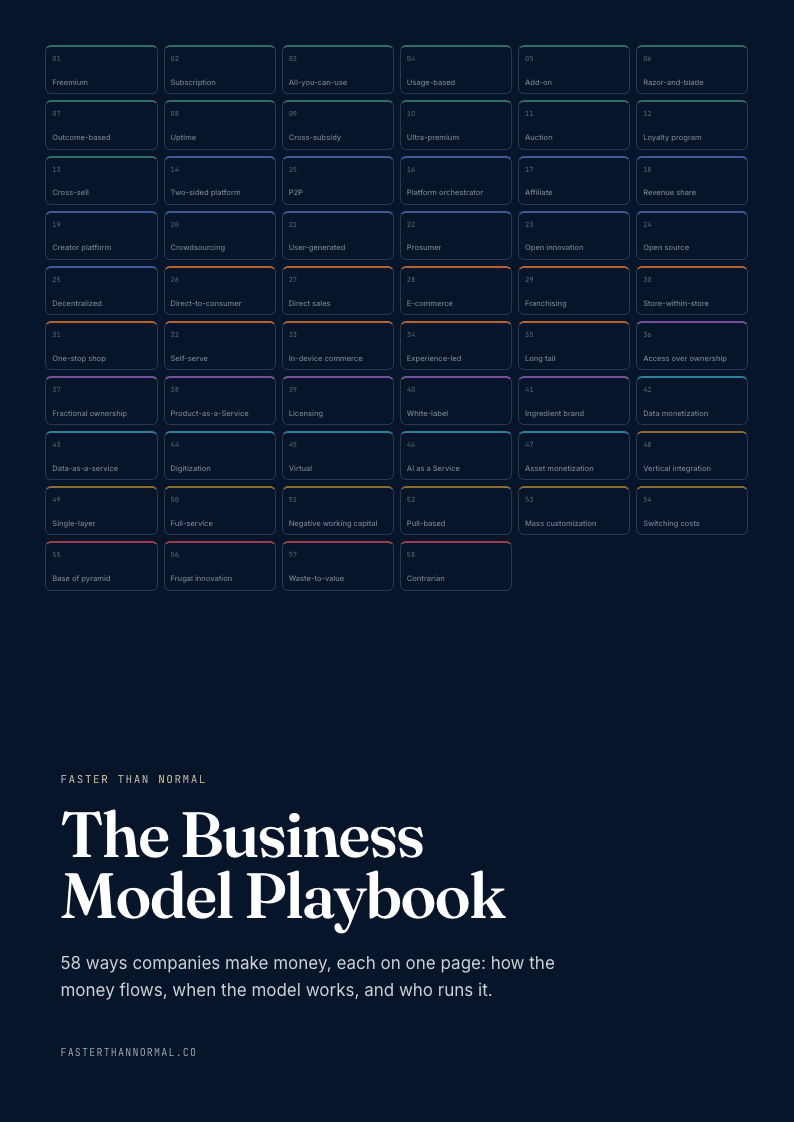
Free playbook
Get The Business Model Playbook
58 business models, one visual page each: how the money flows, the metrics that matter, and who runs it. Free when you join the Faster Than Normal email.
Free. No spam. Unsubscribe anytime.