

10 Free Chrome Extensions To Accelerate Your Productivity
The browser is the operating system. If you spend your working hours in Chrome—and statistically, you do—these ten extensions represent the difference between fighting your tools and having them amplify your capabilities. Each one eliminates a specific type of friction that compounds over hundreds of micro-interactions daily.
Documentation and Knowledge Transfer
Scribe solves the universal problem of explaining digital processes. Record your actions once, get an auto-generated step-by-step guide complete with screenshots and annotations. This eliminates the endless cycle of explaining the same workflow to different team members. What used to require screenshot-paste-annotate workflows now happens automatically. The time savings compound when you consider how often teams need to document processes for onboarding, training, or handoffs.
Wordtune functions as an AI writing partner that understands context. Rather than generic grammar correction, it suggests rewrites that preserve meaning while improving clarity and tone. The tool excels at reducing editing time—particularly valuable when you're writing under pressure or in a second language. Its strength lies in offering multiple rewrite options, allowing you to choose the version that matches your intended voice.
Information Processing and Consumption
Bionic Reading exploits a cognitive hack: highlighting the first letters of words allows your brain to fill in the rest, increasing reading speed without sacrificing comprehension. The extension applies this formatting to any webpage, turning dense articles into more digestible content. Early adopters report 20-30% speed improvements with minimal adjustment period.
Toucan transforms idle browsing into language acquisition. It randomly translates words on webpages into your target language, creating thousands of low-stakes learning opportunities throughout your day. The genius is in the distribution—rather than blocking out study time, it weaves learning into existing behavior patterns. You'll encounter new vocabulary in context, which aids retention far more than flashcard memorization.
Waldo enhances search by deep-scanning results and extracting key insights before you click through. It curates information from authoritative sources and presents findings in a scannable format. This cuts research time by eliminating the browse-scan-back cycle that characterizes most information gathering sessions.
Organization and Workflow Management
Momentum replaces Chrome's default new tab with a productivity dashboard. Beautiful scenery, daily quotes, quick-access bookmarks, and an integrated to-do list. The psychological effect of seeing your priorities every time you open a new tab shouldn't be underestimated—it keeps your goals visible without requiring active recall.
Toby addresses tab chaos through intelligent organization. Create collections, save entire browsing sessions, and access frequently-used resources with single clicks. For knowledge workers who maintain multiple contexts simultaneously, this prevents the cognitive overhead of reconstructing your workspace from scattered bookmarks.
Print Friendly strips web pages to essential content for clean printing or PDF generation. Remove ads, sidebars, and navigation elements with point-and-click editing. Particularly valuable for research workflows where you need clean documents for annotation or sharing.
Data Collection and Automation
SimpleScraper democratizes web scraping by eliminating the need for coding knowledge. Extract data from any webpage and send it directly to Airtable, Google Sheets, or Zapier workflows. The extension runs locally in your browser, avoiding the complexity of server-based scraping solutions. You can create reusable scraping recipes and turn them into APIs for automated data collection.
Checkmate automatically applies coupon codes and discount offers while you shop online. It maintains a database of current promotions and tests them at checkout without manual intervention. The savings add up over time, particularly for businesses making frequent online purchases for supplies, software, or services.
These tools share a common philosophy: eliminate friction in daily workflows rather than adding features you'll occasionally use. The productivity gains come not from dramatic time savings on individual tasks, but from reducing hundreds of small inefficiencies that compound throughout your day. Install strategically—too many extensions can slow browser performance and create their own complexity overhead.
The real insight here isn't about any individual tool. It's recognizing that small optimizations in your most-used software environments compound into significant productivity gains. Your browser is where you spend most of your working hours. Optimizing it should be a priority, not an afterthought.
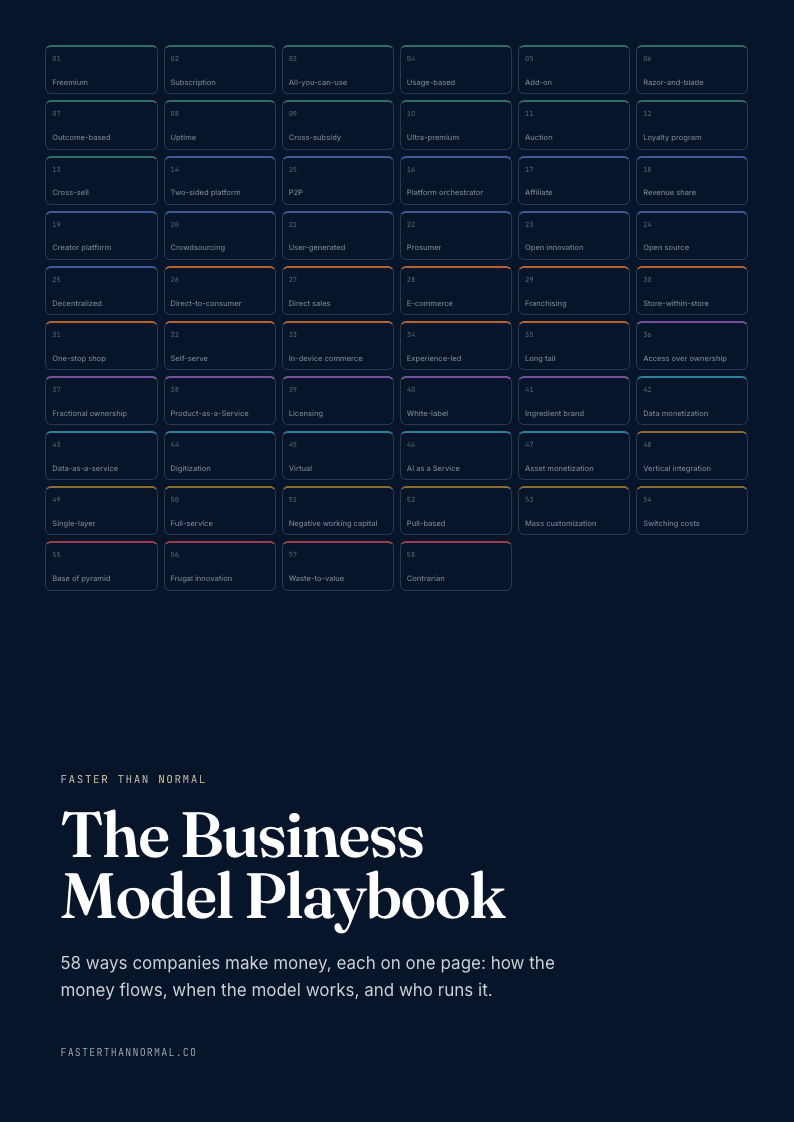
Free playbook
Get The Business Model Playbook
58 business models, one visual page each: how the money flows, the metrics that matter, and who runs it. Free when you join the Faster Than Normal email.
Free. No spam. Unsubscribe anytime.