
Contents
How It Works
— Stewart Butterfield, CEO of Slack"We're selling a reduction in information overload, relief from stress, and a new ability to extract the enormous value of hitherto useless corporate archives."
When to Use This Framework
Best Conditions for the Software Facelift Framework
| Dimension | Ideal conditions |
|---|---|
| Founder profile | Design-obsessed product builders who feel physical pain when using bad software. You need strong UX instincts and the ability to ship polished products quickly. Technical co-founders who can build performant, modern frontends are essential — this framework rewards craft, not just code. |
| Stage | Ideation through Series A. The framework is strongest when choosing what to build and designing the initial product. It becomes less relevant post-product-market-fit, when the challenge shifts from "make it beautiful" to "make it scale." |
| Market conditions | Best when the incumbent has been dominant for 7+ years, has a large but increasingly frustrated user base, and has not shipped a meaningful UX overhaul in 3+ years. Look for products where users complain publicly — Reddit threads, Twitter rants, G2 reviews — but keep using the tool because there's no better option. |
| Competitive environment | Ideal when the incumbent is a large company that treats the product as a cash cow rather than a growth priority, or when the incumbent is a small company that lacks the engineering talent to modernize. Worst when the incumbent is a well-funded startup that's already iterating rapidly. |
| Technology shifts | Especially potent during platform transitions — desktop to web, web to mobile, local to cloud, single-player to multiplayer. Each transition creates a window where the incumbent's architecture becomes a liability and a ground-up rebuild becomes an advantage. |
| Inputs needed | Competitive product teardowns, G2/Capterra review mining, user interview transcripts, SimilarWeb traffic data, app store reviews, and a clear map of the incumbent's feature set ranked by actual usage frequency. |
When It Misleads
Failure Modes & Blind Spots
| Blind spot | What goes wrong |
|---|---|
| Confusing ugly with bad | Some software is ugly because it's optimized for power users who value density and speed over aesthetics. Bloomberg Terminal looks terrible and earns over $6 billion annually. Craigslist's minimalism is a feature, not a bug. A facelift only works when the ugliness is actually costing the incumbent users or growth. |
| Underestimating switching costs | Enterprise software is sticky not because users love it, but because migration is painful — data, integrations, workflows, training, compliance. A beautiful new tool that requires a six-month migration project will lose to an ugly tool that's already deployed. You must solve the switching problem, not just the design problem. |
| Feature gap death spiral | You launch with a gorgeous MVP covering 30% of the incumbent's features. Early adopters love it. Then enterprise buyers ask for the other 70%. You spend two years building features instead of innovating, and your product slowly becomes as bloated as the thing you replaced. |
| The incumbent wakes up | Your beautiful alternative gets enough traction to appear on the incumbent's radar. They ship a redesign, copy your best ideas, and leverage their existing distribution to neutralize your advantage. Microsoft did this to Slack with Teams — bundling a "good enough" competitor into Office 365 for free. |
| Design as moat illusion | Beautiful UI is necessary but not sufficient. Design alone is not a moat — it can be copied in months. If your only advantage is "we look better," you're one redesign cycle away from irrelevance. The facelift must be paired with a structural advantage: network effects, data, workflow lock-in, or a fundamentally different architecture. |
Step-by-Step Process
Identify high-usage, high-frustration software
Map the incumbent's feature set by actual usage
Design the experience from zero, not from the incumbent
Find the switching trigger and reduce migration friction
Build a structural moat beyond design
Questions to Ask Yourself
Company Examples
Adjacent Frameworks
Analyst's Take
Opportunity Checklist
Software Facelift Scorecard
Top Resources
Why this matters next
Find widely used software/content websites/products and give facelift applied the Network Effects mental model
Find widely used software/content websites/products and give facelift applied the Leverage mental model
Find widely used software/content websites/products and give facelift applied the Scale mental model
Find widely used software/content websites/products and give facelift applied the Environment mental model
Find widely used software/content websites/products and give facelift applied the Feedback mental model
Find widely used software/content websites/products and give facelift applied the Cost mental model
Continue exploring
Framework
Recent funding rounds
Analyze companies that have recently secured significant investment, identifying
Framework
Unbundling
Breaking down a bundled product or service into separate, standalone offerings,
Framework
Industry timing arbitrage
Apply newly developed technology from one industry to another that hasn't yet ad
Framework
Acqui-Deaths
Identify opportunities created when large companies acquire startups, potentiall
Framework
Three-Star reviews
Find business opportunities by analyzing moderately satisfied customers' feedbac
Framework
Niche down
Focus on a highly specific market segment or customer base, becoming a specialis
Free playbook
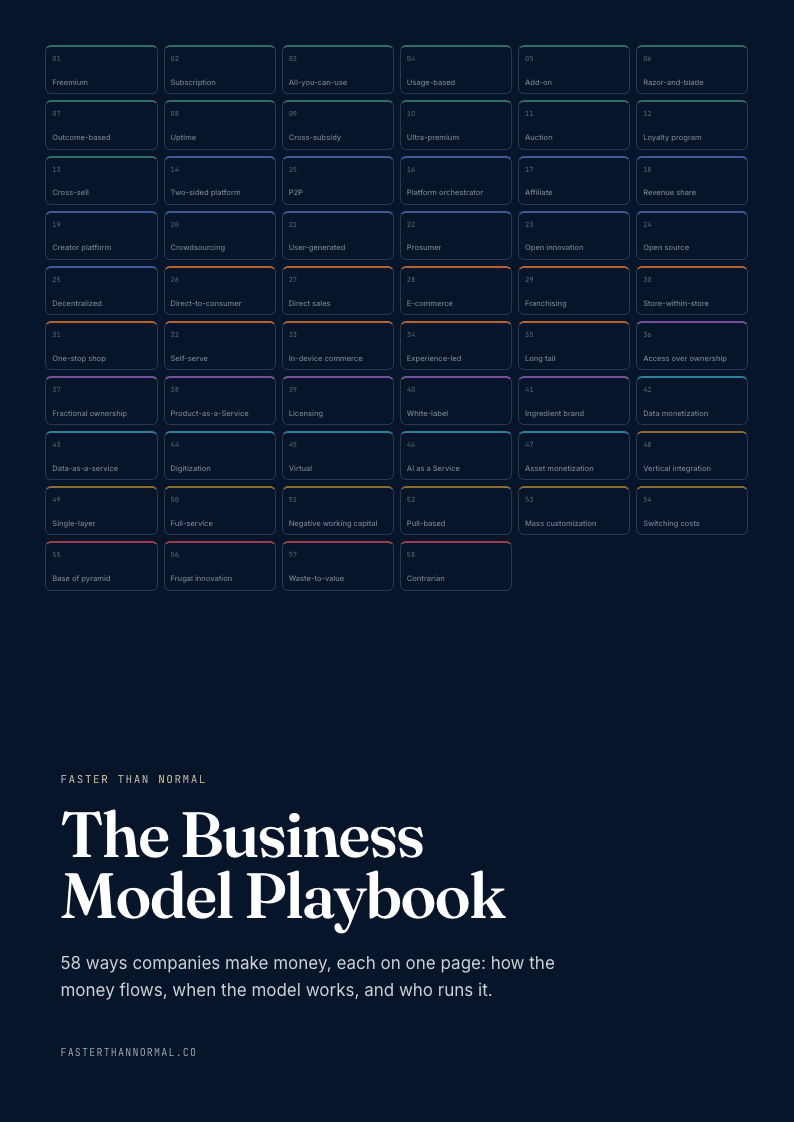
Get The Business Model Playbook
58 business models, one visual page each: how the money flows, the metrics that matter, and who runs it. Free when you join the Faster Than Normal email.
Free. No spam. Unsubscribe anytime.